
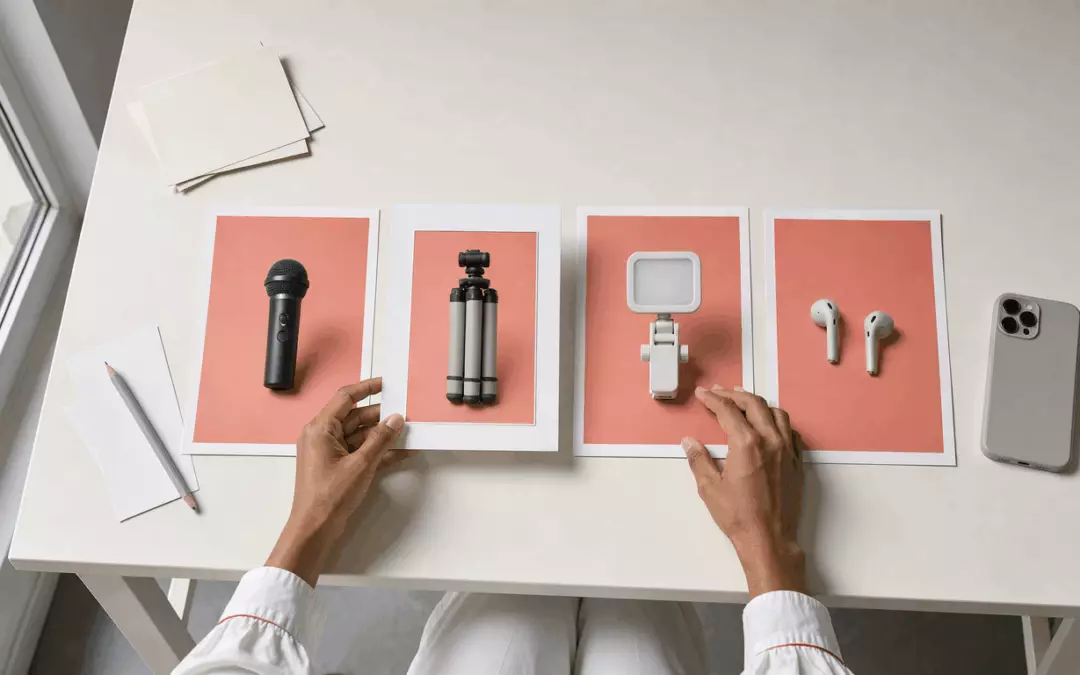
Custom YouTube Shorts thumbnails have been available to all creators since November 2026: with a verified account, you can upload an image on a computer or mobile device, either when uploading or after publication. This cover image helps visitors recognize your series on your channel page. However, there’s no guarantee that it will increase your views in the full-screen feed.
Who can add a custom YouTube Shorts thumbnail?
As of November 2026, custom YouTube Shorts thumbnails are no longer limited to members of the YouTube Partner Program. Neal Mohan announced on November 23, 2026, that the feature is now available to all creators on desktop and mobile, according to Tubefilter. However, YouTube’s help center states that a verified account is required to upload a custom thumbnail.
The official YouTube blog states that the initial rollout to Partner Program members will take place in July 2026. Keep this distinction in mind: not being a partner is no longer an obstacle, but that doesn’t mean you don’t need to verify your account. If the import option is missing, start by checking this before redesigning your video or looking for another device.
How do I add or edit a thumbnail for "Short" in YouTube Studio?
In November 2026, YouTube Studio will allow you to add a custom YouTube Shorts thumbnail when uploading a video or to replace the cover image of an already-published Short. To edit an existing video, the YouTube Help Center describes the process on a computer, while Creator Insider shows how to access the editing options via the pencil icon on mobile.
| Device | Path in YouTube Studio | Source |
|---|---|---|
| Computer | Content → Shorts → Edit Short icon → Thumbnail → Import a file → Save | YouTube Help |
| Mobile | Open the Short in YouTube Studio, tap its pencil icon, and then add your image on the editing screen. | Creator Insider, November 23, 2026 |
Prepare the cover file with the layout, even if you plan to publish it later. To update your catalog, start with a series that’s still active rather than a general overhaul: you’ll be able to see if the episodes are easier to identify when displayed side by side. This ability to edit a published Short extends the Trends in thumbnails and content promotion on YouTube.
Can a custom thumbnail help Shorts get more views?
Une miniature personnalisée YouTube Shorts aide surtout le public à identifier une vidéo sur une page de chaîne, où plusieurs couvertures se côtoient. D’après Social Media Today en novembre 2026, les Shorts sont souvent découverts en faisant défiler des vidéos en plein écran. Les sources ne démontrent aucun gain garanti de vues dans ce flux.
On the channel, the thumbnail answers a practical question: “Which episode do I want to watch?” In the feed, the video is already on the screen: it’s up to the opening seconds to give the viewer a reason to stay. Distinguishing between these uses also helps us understand What YouTube's Custom Feeds Change in content discovery.
In my opinion, if you’re short on time, it’s better to focus on creating a compelling video intro for a standalone Short than to produce a complex cover just for that one video. On the other hand, if you’re directing subscribers or prospects to your channel so they can find a series, a consistent visual style is worth including in your schedule.
How can you create thumbnails for Shorts that are recognizable and easy to read?
To create a custom YouTube Shorts thumbnail that remains legible after cropping, place the subject and key text in the center. On November 23, 2026, Creator Insider recommended keeping these elements within a central 2:3 area inside a 9:16 aspect ratio image. This is a compositional guideline, not a guarantee that the image will appear the same everywhere.
Create a template that you can reuse without making the episodes interchangeable. Keep the same visual style for the series, but give each cover a theme that stands out at a glance. Here are the decisions you need to make before exporting the file.
- Establish a consistent visual element: a background, a box, or a title placement that remains the same across all publications.
- Vary the main subject: In a series of filming tips, show the microphone in one episode and the tripod in the next, rather than the same close-up every time.
- Reserve the center for what needs to be legible, and keep decorative details on the edges. If the logo is part of the message, don't push it into a corner.
- Open your channel page on your phone after publishing. If the covers look so similar that it's hard to tell which one to open, highlight the differences between the episodes before revising the entire template.
For a campaign, approve the template with the brand before creating the individual episodes. Make this a separate deliverable from the edit in your Production schedule for visuals and content, to avoid cropping the frame or the logo's position when publishing.
How can you compare different styles of "Shorts" thumbnails without an A/B test?
YouTube’s built-in A/B testing for thumbnails is not available for YouTube Shorts, according to Creator Insider on November 23, 2026. To compare styles, switch up the thumbnails on similar Shorts and examine their traffic sources over the same time periods. Any differences provide a clue, but do not prove that the thumbnail is the cause.
Choose a single visual difference, such as a close-up of the object or the same object shown being held. Alternate styles within a series: don’t reserve one style for highly anticipated topics and the other for niche episodes. At the same time after each publication, track traffic sources in YouTube Studio and isolate the views attributed to channel pages when they’re identifiable.
The pitfall is to focus on the style of the short video that garnered the most total views. If the difference is mainly due to traffic, this result doesn’t indicate which cover image helps viewers choose a video on a channel. If traffic from the channel’s pages is too low to identify a trend, stick with the most readable template instead of picking a winner.
Vous souhaitez transformer vos Shorts en séries qu’on reconnaît au premier regard ? Influenceur ou annonceur, contactez-nous pour développer vos réseaux sociaux avec l’équipe de ValueYourNetwork, spécialisée en stratégie éditoriale et en influence marketing.
FAQ on Custom YouTube Shorts Thumbnails
Should you choose a still from the video to use as the thumbnail for a Short?
The custom YouTube Shorts thumbnail can be an image file separate from the video since the feature launched in November 2026.
Is the 2:3 aspect ratio required for a YouTube Shorts thumbnail?
The 2:3 ratio refers to the central area recommended by Creator Insider in November 2026 for text and important visual elements. The recommendation pertains to placement within a 9:16 image, not to a required file format.
Can you change the thumbnail for a Short without reposting the video?
Since November 2026, you can replace the thumbnail for a short video that’s already online in YouTube Studio. You can make the change to the existing post without having to re-upload the video.